

According to the FTC’s 2024 data, imposter scams were the single most reported form of fraud, accounting for $2.95 billion in losses, and email and phone calls were the two most common ways scammers reached their targets.
The total money lost to email-based and phone-call-based frauds was $502M and $948M, respectively. These scams could have been avoided if victims had known about online tools that can help them identify email addresses and phone numbers.
In this article, we’ll review one such platform called ClarityCheck. This reverse lookup service lets you verify a name, number, profile photo, vehicle, and more.
We wrote this ClarityCheck review based on searches we ran ourselves after paying for access. So whatever you’ll read comes from first-hand experience rather than what the tool advertises.
We’ll go through what ClarityCheck reports show, how accurate the data is, how the platform handles day-to-day, what it charges, and how it measures up against rival lookup services. Let’s start with an overview of the tool.
What Is ClarityCheck?
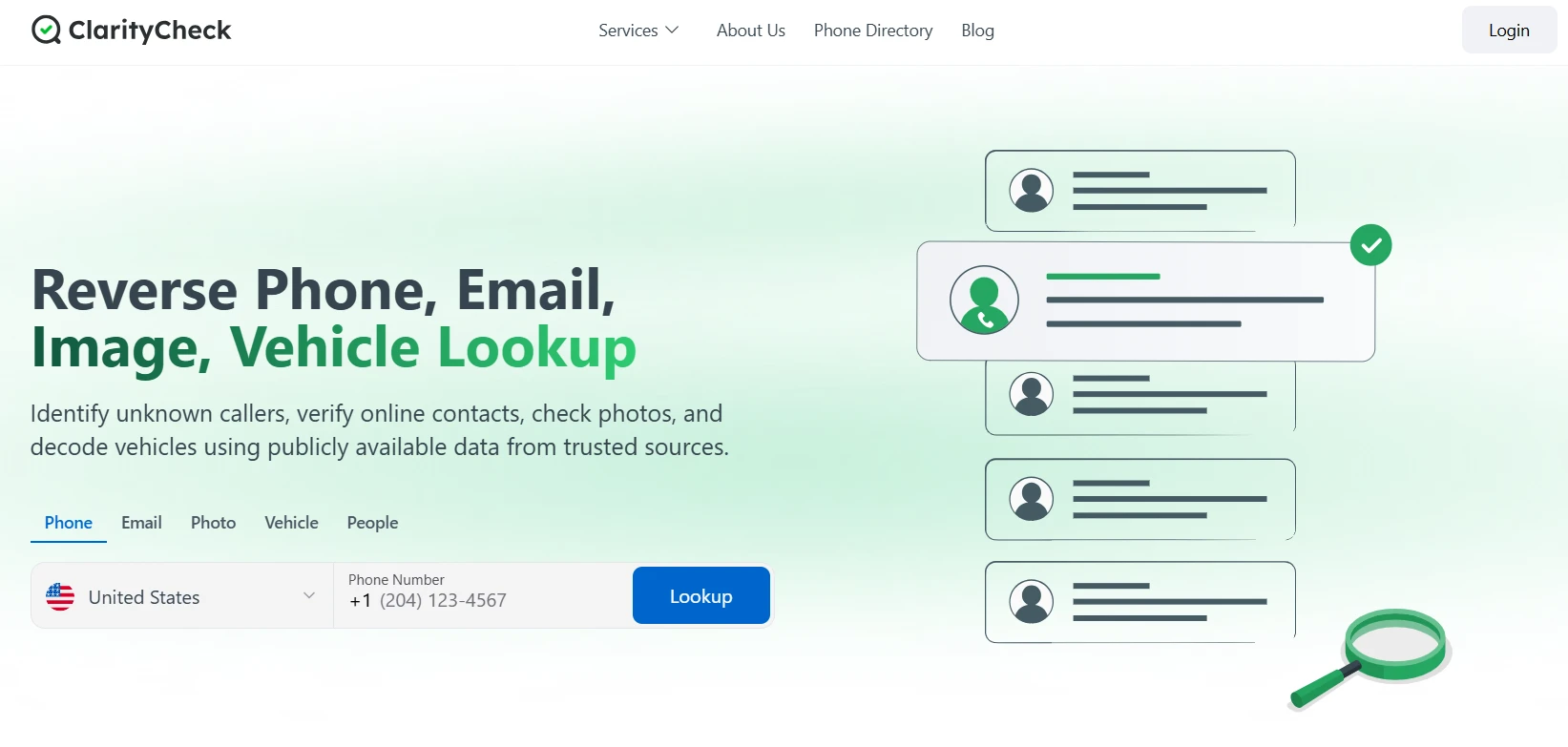
ClarityCheck is a web-based reverse lookup platform that helps users identify unknown callers, email senders, vehicles, etc.
The user needs to enter one identifier about the subject, such as their phone number, email address, a photo, a person’s name, or a vehicle’s VIN, and the system searches different databases for whatever public traces are associated with the information provided by you.
As for what those databases are exactly, the platform says it aggregates data from public records, online directories, social media platforms, property and utility databases, and other open-source intelligence sources scattered across the web. The platform also mentions that it doesn’t access private accounts or messages to source any information.
ClarityCheck provides all its search types in a single subscription. Users don’t have to buy the services separately. A single ClarityCheck subscription allows them to look up phone numbers, emails, photos, vehicles, and people.
How Does ClarityCheck Work?
Here’s how you perform a lookup on ClarityCheck:
- Enter a piece of information that you already know about the subject
- Let the platform cross-reference your input against its collection of public sources.
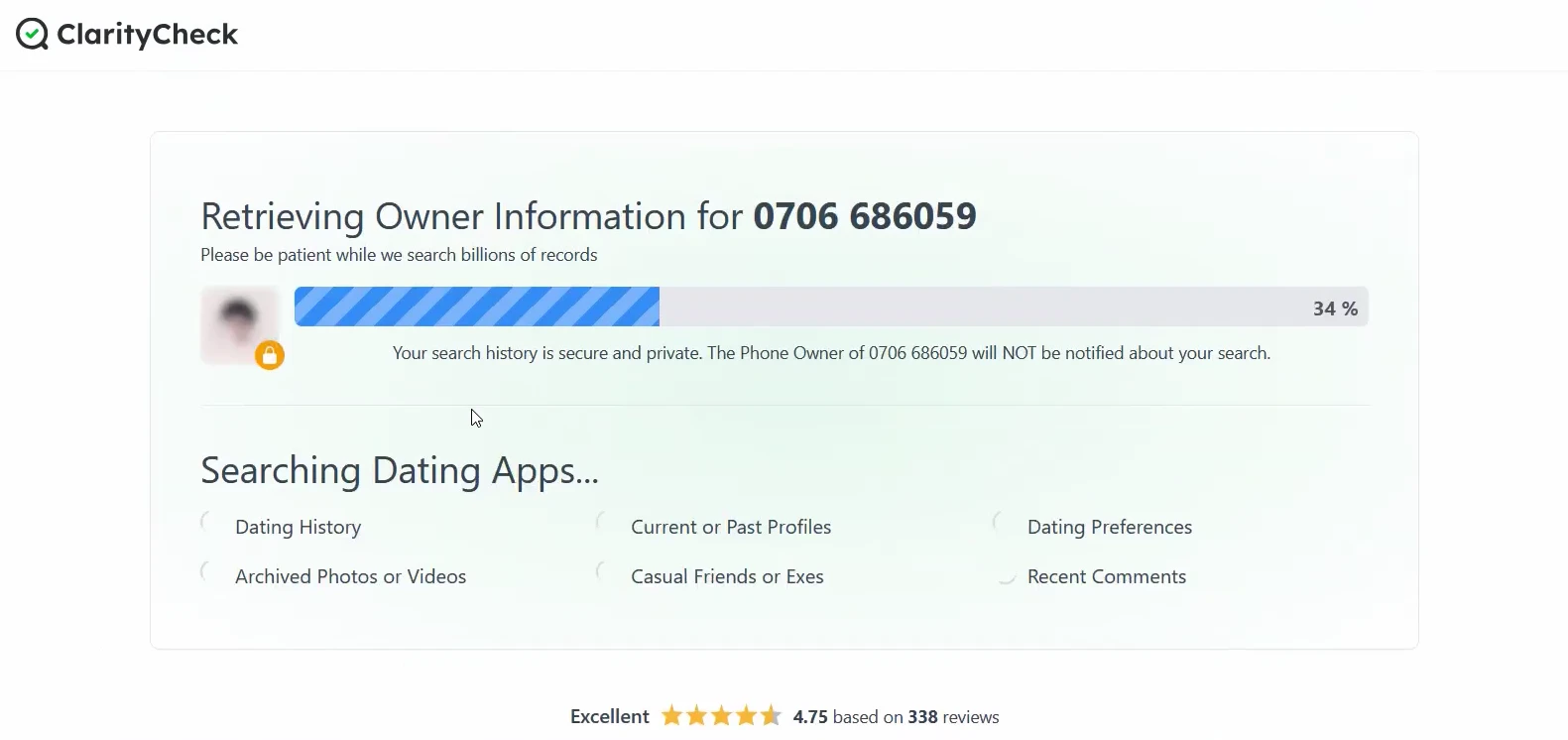
- Receive the assembled report, which includes everything the platform could gather from its sources.
If you haven’t subscribed to the paid plan yet, the search will only indicate that the results are ready.
To open the full report, you’ll need to start a trial or get a paid subscription.
You can rest assured that in all of this, ClarityCheck doesn’t notify the subject you’re looking up.
What ClarityCheck Is Not?
This part is important.
ClarityCheck is not a consumer reporting agency under the Fair Credit Reporting Act. That means you can’t legally use its reports to make decisions about employment, tenant applications, credit, or insurance. The site states this plainly, and so do we.
It also doesn’t offer facial recognition, device monitoring, or real-time GPS tracking, and it provides no access to anyone’s private accounts, messages, or login credentials.
Using it to stalk or harass someone is prohibited as well. These aren’t features that happen to be missing. They’re lines the platform draws on purpose.
ClarityCheck Review: Quick Overview (TL;DR)
Below is the overview of this entire ClarityCheck review at a glance before we get into the detailed review:
| Lookup Types | Key Features | User Interface | Best For | Price |
| Phone, Email, Photo, VIN, Name | Public records and OSINT aggregation | Web-based, nothing to install | Identifying unknown callers | 7-day paid trial for $3.99 |
| All five searches in one subscription | Social profile and account matching | Single search bar with tabs | Vetting online sellers and dates | $29.99 / 28 days |
| Global phone coverage (per the site) | Report quality score per search | Search history syncs across devices | Checking a used car before buying | Extra credit packs available starting from $24.99 (10 credits) |
| Credit-based lookups | Sex offender check and PDF export (add-ons) | Fast, quietly conducted searches | Reviewing your own public footprint | Add-ons priced separately |
ClarityCheck Key Features
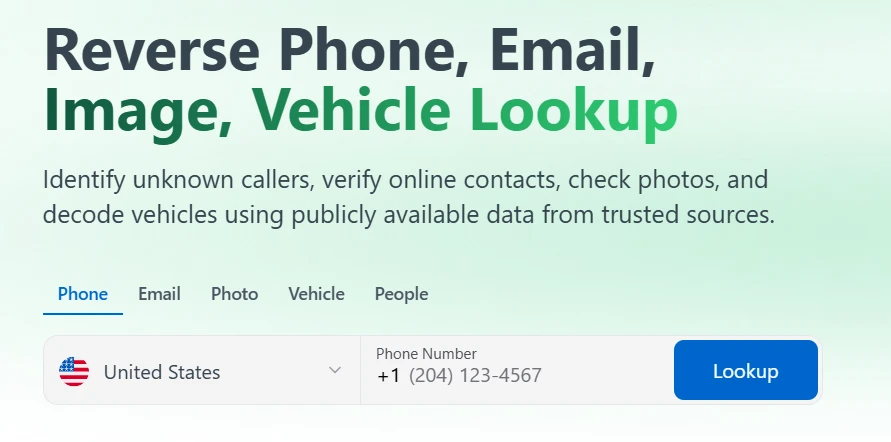
The platform allows you to perform six types of searches, each of which can be accessed in its own tab on the homepage.
1. Phone Lookup
The phone number lookup is perhaps the most used lookup type of the platform.
You have to enter a phone number, and ClarityCheck attempts to find:
- Number’s owner
- Owner’s current and past addresses
- Linked email addresses
- Associated social media profiles
- Employment details
- Aliases the number has been saved under
The report also indicates the carrier and the country the line is registered to.
Keep in mind that not all lookups will provide you with all this information. You may get more information than the aforementioned list, or you may get less or no information at all. It all depends on how much information ClarityCheck could find about your subject from its sources.
2. Email Lookup
As evident, in the email search, you input an email address, and ClarityCheck attempts to find the person’s name associated with that address and any accounts registered against that address.
The report can also surface social profiles, past data breach appearances, and other public footprints the email has left across the web.
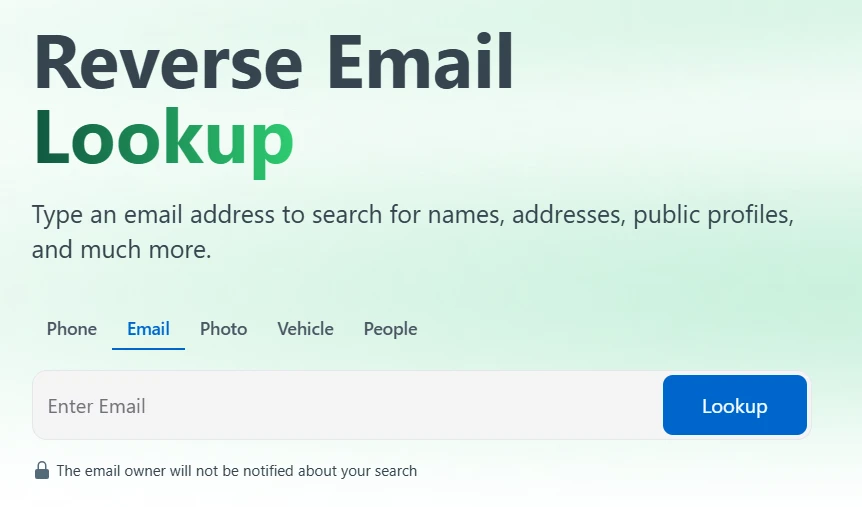
The email lookup is a useful tool for confirming the identity of a sender before taking an email at face value. As a general safety rule, you should avoid clicking a link or replying to an unknown email anyway.
3. Photo Lookup
The photo search requires a picture as the input to search for public profiles and web pages where that same image, or ones resembling it, appears.
The site clearly mentions that this feature is not powered by facial recognition. It simply looks for an exact or close match to the specific image provided by you.
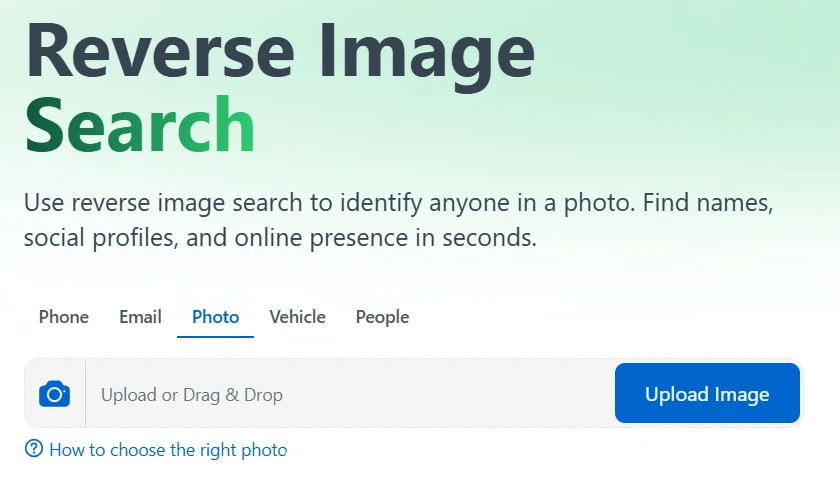
You can think of using the photo lookup feature if you’ve met someone on a dating app and something feels off, for example. Or if someone sends you an image and you need to make sure it’s actually them. There can be lots of use cases.
4. Vehicle (VIN) Lookup
The vehicle search takes a Vehicle Identification Number (VIN) as input and returns the make, model, and other specifications encoded in that number, alongside whatever registration or history data exists in its sources. According to the ClarityCheck site, the system can look up vehicles in the US, Canada, and the EU.
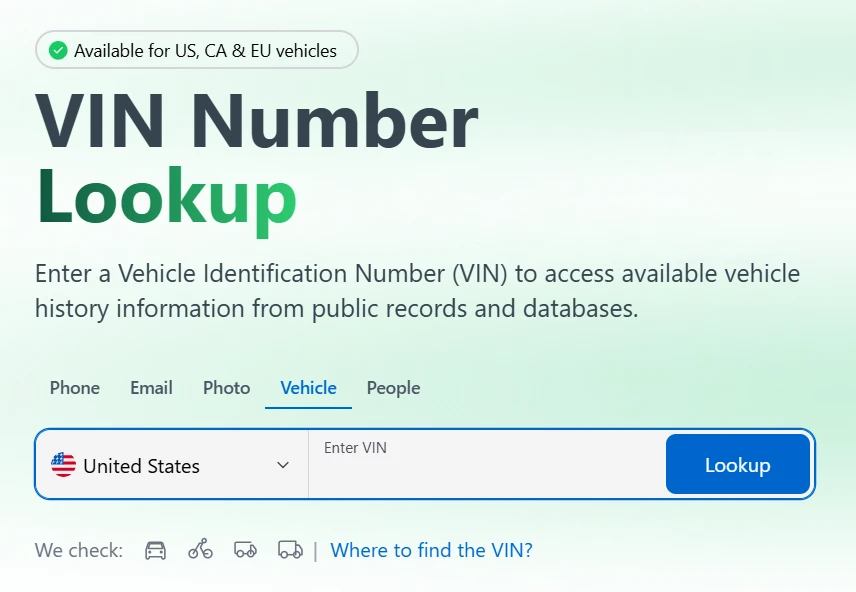
People most commonly use VIN lookup before a used-car purchase to verify that a seller’s description of a vehicle matches what the VIN reveals about the vehicle.
5. People Search
The people search isn’t a reverse search. It begins with a person’s name provided as input. The platform then surfaces linked phone numbers, email addresses, current and past addresses, relatives, social media profiles, etc.
If a name is all you have about a person, this lookup type can prove useful for you.
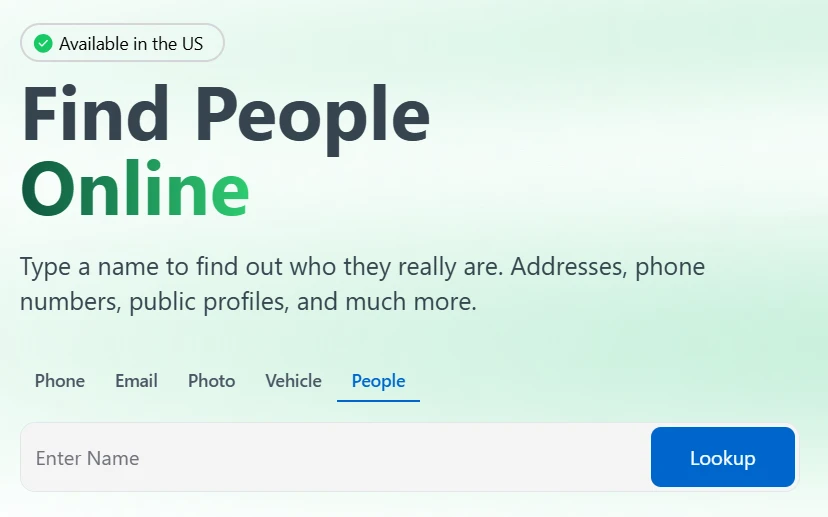
This lookup can also be used in neutral scenarios. For instance, you can check out a new acquaintance or review what’s publicly attached to your own name.
Just be ready for messy results when you look up common names, of course.
6. Add-Ons
Those were the five core lookups that come with the standard paid plan.
ClarityCheck offers two extra features that are billed separately from the standard credit system. Those are:
- Sex Offender Registry Check: Look up if someone has been registered as a sex offender. The system searches state and federal registries and, according to the site, this feature only works in the US only.
- Unlimited PDF Downloads: Export and save reports as PDF for offline use such as printing or sharing copies.
What a ClarityCheck Report Actually Shows?
When ClarityCheck is done searching, the first thing that greets you at the top is a report quality score, which roughly indicates how much the platform managed to compile on your subject.
After the score, you’ll see a profile summary, followed by a series of panels that break the findings into categories. You’ll move through possible owners of the identifier that you entered and associated usernames, email addresses, and locations.
Next comes the public accounts panel, which lists the outside platforms each piece of information was sourced from.
In our case, several of the names attached to the searched number traced back to caller-ID directories and similar public services.
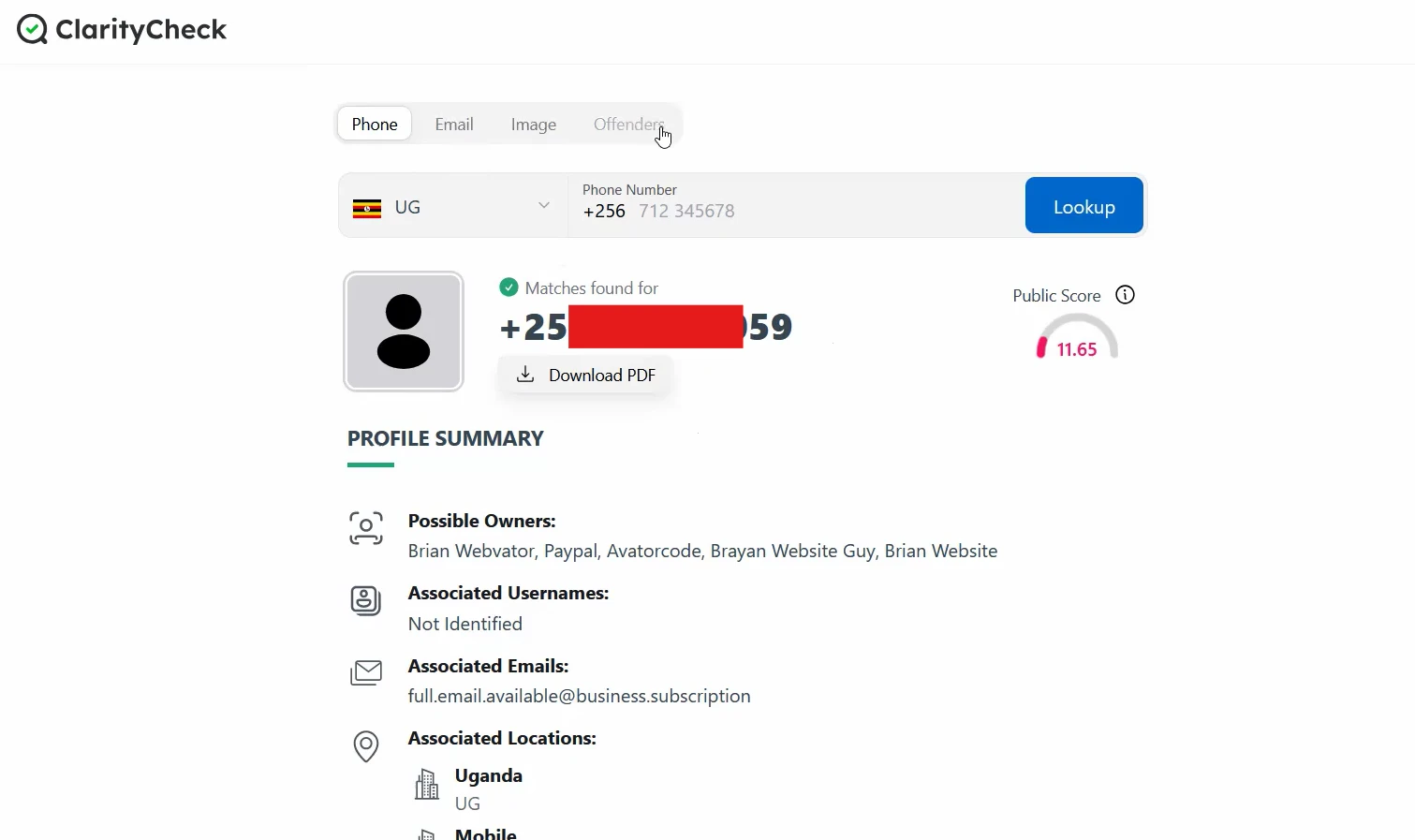
As for the categories a report can populate, the site groups them into nine:
- Full name
- Home address
- Family members
- Social media profiles
- Email addresses
- Past locations
- Web activity
- Dating profiles
- Employment history
However, all nine listed categories are not for every lookup. It depends on what was available in the sources that ClarityCheck traversed.
How Accurate Are the Results?
ClarityCheck compiles information from across public records and open sources, then reports that back to you. There’s no verification layer.
The accuracy and freshness of the reported data can fluctuate depending on which source a particular detail came from.
A social profile someone updates regularly stays reasonably current. But the same cannot be certainly said about an address.
In addition, the platform refreshes its results periodically rather than querying everything live at the moment you search. So the data that’s reported to you is from ClarityCheck’s last snapshot, not a real-time feed.
The site quotes a figure of 370 million-plus business entities across all 50 US states, Canada, and Europe, and that breadth is genuinely one data point in its favor. But a coverage claim speaks to how much data exists in the system, not to whether any single entry about a given person is correct or current.
Using ClarityCheck: Interface and Support
Since a tool can hold good data and still be a chore to use, let’s talk about the day-to-day experience of using ClarityCheck.
Ease of Use
There’s nothing to download or install to use ClarityCheck. It runs entirely in the browser.
The whole platform is arranged around a single search bar with the six lookup types available as tabs above it. You pick a tab, enter your identifier, and search. That’s the entire learning curve.
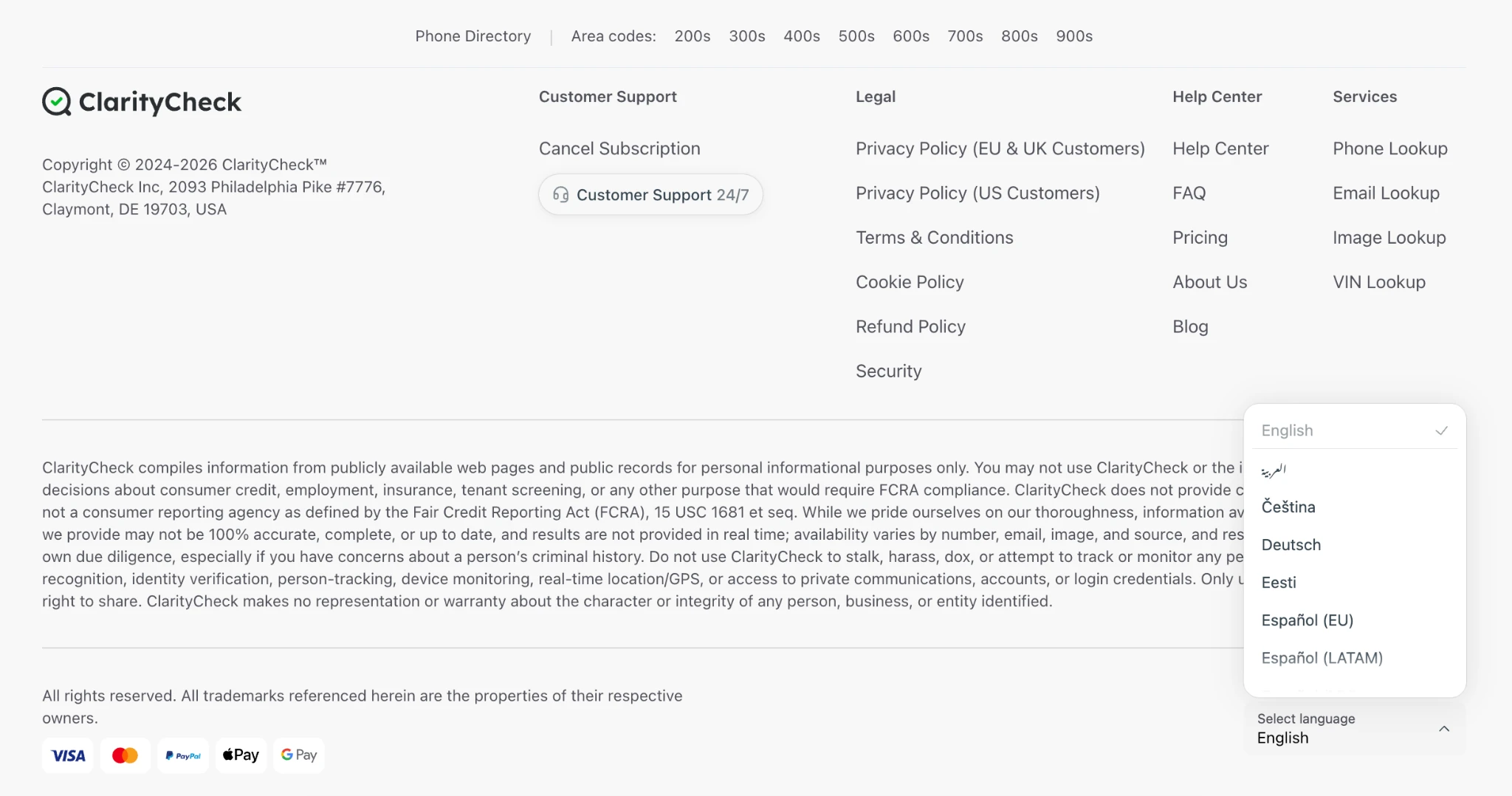
Your search history synchronizes across devices. For instance, if you look up on a laptop, the search history will be accessible through your phone. The footer includes language options for users outside English-speaking regions.
Customer Support
The platform advertises 24/7 assistance backed by a Help Center for self-service questions.
If you need to reach a person, there’s an email contact at help@claritycheck.com and a postal address in Claymont, Delaware.
You will also find dedicated pages for canceling a subscription and for the refund policy in the footer.
ClarityCheck Pricing
ClarityCheck follows a trial-to-subscription structure.
You buy the 7-day trial for $3.99, and when the trial ends, you are automatically subscribed to the 28-day plan for $29.99.
If you don’t want to be auto-subscribed to the paid plan, you have to cancel within the trial period.
Lookups inside ClarityCheck cost credits.
The $29.99 subscription gives you 20 lookup credits for the entire month. If those credits end before the month, you can purchase additional credit packs:
- 10 credits for $24.99
- 25 credits for $49.99
- 50 credits for $89.99
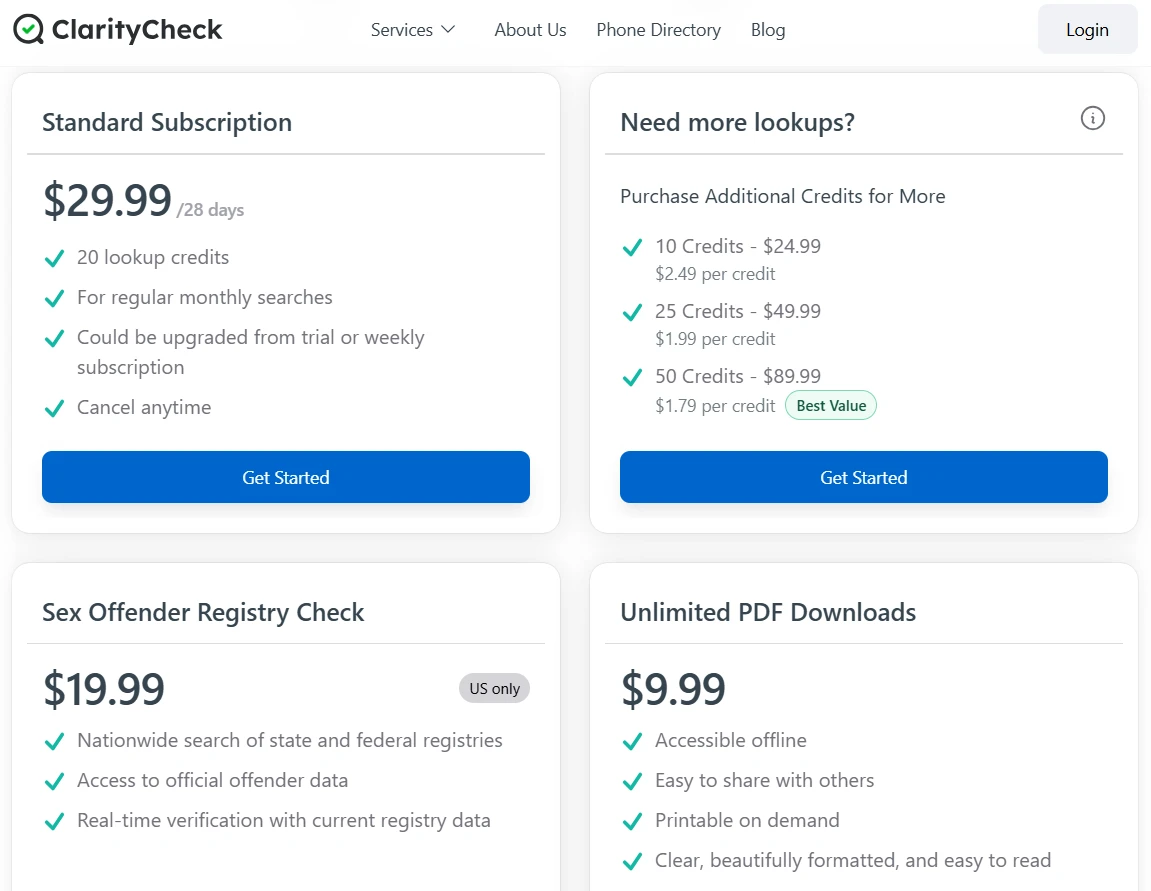
Both extras we mentioned earlier are billed outside this credit system.
- The Sex Offender Registry Check is priced at $19.99
- The Unlimited PDF Downloads option costs $9.99
Keep in mind that pricing can vary depending on your region, so the figures you encounter on the site may differ from the ones above.
How ClarityCheck Compares to Other Lookup Platforms
ClarityCheck’s competitors offer fewer lookup types and are either expensive or offer separate plans for each lookup type.
Here’s an overview of how ClarityCheck and its competitors compete:
| Platform | Phone | Photo | VIN | People | Starting price | |
| ClarityCheck | Yes | Yes | Yes | Yes | Yes | $29.99/28 days |
| TruthFinder | Yes | Yes | No | No | Yes | Separate plan for each lookup type |
| BeenVerified | Yes | Yes | No | Yes | Yes | $36.89/month |
| Spokeo | Yes | Yes | No | No | Yes | Not listed |
| Intelius | Yes | No | No | No | Yes | Separate plan for each lookup type |
Nearly every competitor supports phone and people searches. But it’s only ClarityCheck that offers email, VIN, and photo searches as well.
While the lookup types are a big differentiator, you should also notice the pricing model.
ClarityCheck has transparent pricing and offers all five search types under one subscription. Two of its competitors, TruthFinder and Intelius, sell the search types as separate plans. And one competitor, Spokeo, doesn’t have a pricing page at all.
Who Should Use ClarityCheck?
ClarityCheck is best used by the following types of users:
- Anyone screening unknown or repeated callers
- People about to meet someone from a dating app or online marketplace
- Buyers and sellers vetting a stranger before a transaction
- Used-car buyers
You should avoid using ClarityCheck reports as a basis for hiring, renting, lending, or any other legally regulated decision. ClarityCheck openly says that it isn’t a consumer reporting agency.
Final Verdict: Is ClarityCheck Legit?
Yes, ClarityCheck is a legitimate service, provided you use it for what it was intended for.
You are getting five search types and two add-ons under a single tool. The photo lookup is a particular differentiator because most competitors don’t offer it at all.
The platform compiles public information rather than confirming it, so a report is best read as a collection of leads rather than a set of verified facts.
The credit allowance is generous for how most people use a tool like this. 20 lookups over the billing cycle covers a lot of ground, whether that’s screening a few unknown numbers, running a VIN before a used-car purchase, or checking someone before you meet them.
Most users will not come close to running out. And if you do go through them, the credit packs are there so you’re never stuck waiting for the next cycle.
Frequently Asked Questions
Is ClarityCheck okay to use?
Yes, ClarityCheck is fine to use for personal, informational purposes, which is exactly what the platform is designed for. Just avoid using it for stalking, harassment, or any legally regulated screening decision, since the service prohibits those uses outright.
Is ClarityCheck really free?
No, ClarityCheck is not free. You can either buy the 28-day plan for $29.99 or start with a 7-day paid trial for $3.99. If you are using it for free, the search will complete, but opening the full report will require a trial or a paid subscription.
Is ClarityCheck legal?
Yes, ClarityCheck operates legally because it compiles information that is already publicly available and doesn’t access private accounts or communications. The platform is not a consumer reporting agency under the FCRA, so using its reports for employment, tenant, credit, or insurance decisions would fall outside what’s permitted.
