


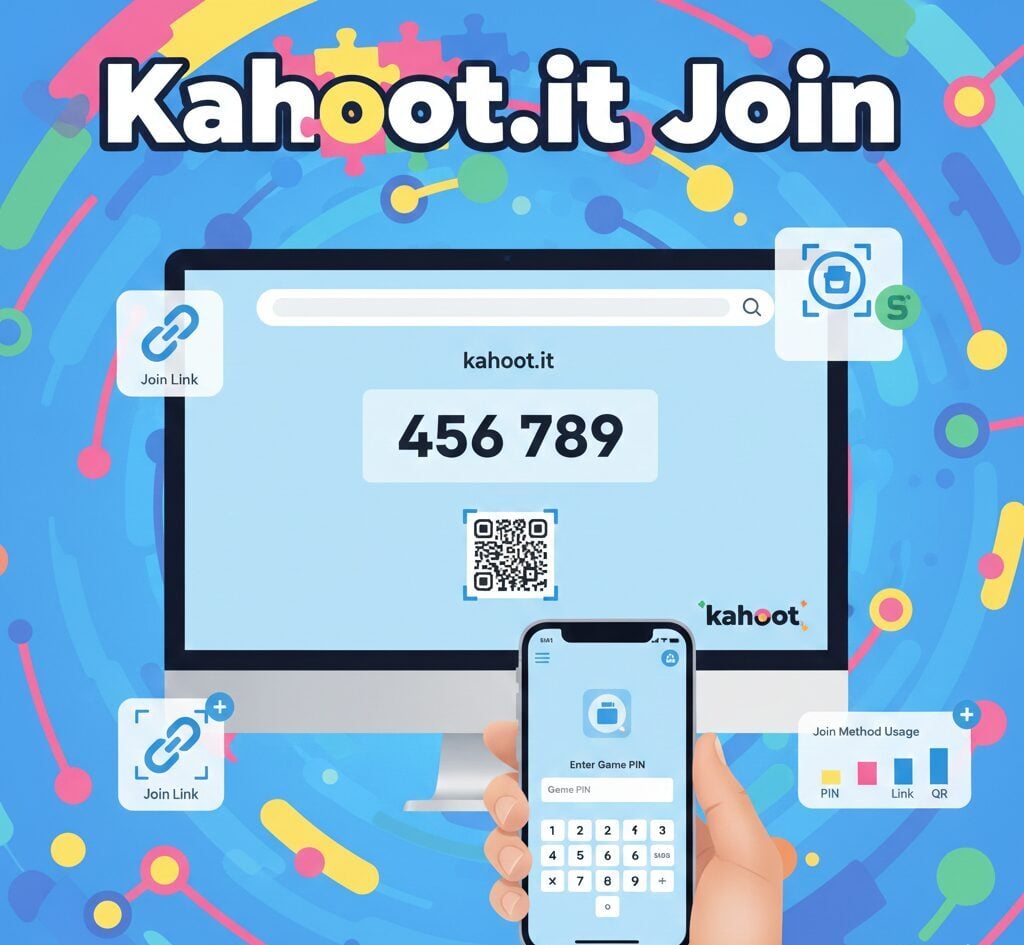
Want to participate in a quiz but unsure how? The Kahoot.it join process takes less than a minute, no account needed. All you need is a browser and the game PIN. Below is a walkthrough of every entry method.
How to Kahoot.it Join a Game Using a PIN
The game PIN is the standard entry method. Every live session and assignment generates a unique numeric code, typically six to ten digits long. Google Classroom teachers, corporate trainers, and event organizers all use this method to let participants in.
- Open kahoot.it in any browser or launch the Kahoot mobile app.
- Type the numeric PIN displayed by your host.
- Enter a player identifier if the host has enabled that setting.
- Pick a display name. If the nickname generator is on, spin for a random one. Otherwise, type your own.
Once your name appears on the host’s lobby screen, you’re in. The host starts the game when all players have connected.
Kahoot.it Join via a Shared Link
Hosts can also share a direct URL instead of a PIN. This method skips the manual code entry step entirely.
| Session Type | How the Link Works |
|---|---|
| Live (real-time) | The host copies the link from the lobby screen. Clicking it drops you straight into the session. |
| Assignment (self-paced) | The host shares the link from the assignment report page. It opens in your browser or app on click. |
Both types load the same way. Live sessions start when the host presses play. Assignments stay open until the deadline.
How to Kahoot.it Join by Scanning a QR Code
A third option is QR code scanning. Open the Kahoot app and tap scan, or point your phone camera at the code on screen. The session loads without typing anything. If the code appears too small, ask the host to enlarge it. Many teachers using Apple iPads rely on QR codes for faster entry.
Devices That Work With Kahoot.it Join
Any device with a browser and internet access runs Kahoot. The platform works as a web app, so native apps are optional.
| Device | Browser Support | App Available |
|---|---|---|
| Desktop / Laptop | Full | No |
| iPhone / iPad | Full | Yes (App Store) |
| Android Phone / Tablet | Full | Yes (Google Play) |
| Smart TV Browser | Limited | No |
Chromebooks, Samsung tablets, and Windows laptops all handle Kahoot without issues. The browser at kahoot.it requires no downloads or plugins.
Kahoot.it Join Troubleshooting: Why Your PIN Might Not Work
The most common reason a PIN fails is expiration. Each code lasts only as long as the session is active. Once the host ends the game, the PIN stops working.
Network restrictions in schools or offices also cause issues. Kahoot relies on websockets for live sync. If a firewall blocks these connections, players get disconnected. The fix requires an IT administrator to whitelist Kahoot’s domains. Typing errors account for many failed entries too, so double-check the digits before pressing enter.
Do You Need a Kahoot Account to Join?
No. Most sessions let you play as a guest. The only exception is when the host turns on the player identifier setting. Free accounts are available on kahoot.com. Paid plans apply only to hosts who need larger participant limits or extra question types.
Kahoot was founded in 2012 in Norway and acquired by Goldman Sachs Asset Management for $1.7 billion in 2023. Early investors included SoftBank and Microsoft. The platform now reaches over a billion cumulative participants across 200+ countries.
What Happens After You Kahoot.it Join a Session
Once inside, you wait for the host to start. Questions appear on the shared screen. Your device shows only the answer buttons. Faster correct answers earn more points. A leaderboard updates after every question. Corporate teams using Microsoft Teams or Zoom often screen-share the lobby so remote participants can Kahoot.it join from their own devices.
Can You Rejoin a Kahoot Game After Leaving?
Yes, but with a catch. You must pick a new nickname, and your score resets to zero. The platform does not save progress mid-session. Re-enter the PIN (if still active) and start over.
Kahoot.it Join for Live Games vs. Assignments
Live games and assignments use the same entry methods. The difference is pacing. Live games are synchronous — everyone answers together. Assignments are asynchronous, with each player working at their own speed within a host-set deadline.
The ed-tech sector has grown rapidly. Platforms like Kahoot sit alongside tools from Google and AI-based apps from companies like OpenAI. For quick, interactive quizzes requiring zero setup from participants, the Kahoot.it join flow remains one of the fastest available.
FAQs
Is a Kahoot account required to join a game?
No. You can join as a guest by entering the game PIN at kahoot.it. An account is only needed if the host enables the player identifier setting.
Why does my Kahoot PIN show an error?
The PIN likely expired. Each code works only while the session is active. Once the host ends the game or the assignment deadline passes, the PIN stops functioning.
Can I Kahoot.it join on a phone without the app?
Yes. Open kahoot.it in your mobile browser, enter the PIN, and play directly. The app is optional on both iOS and Android devices.
Can I rejoin a Kahoot game with my old score?
No. Rejoining requires a new nickname, and your score resets to zero. The platform does not carry over progress from a previous session entry.
What is a Kahoot join link?
A join link is a direct URL shared by the host that lets players enter the session without typing a PIN. It works for both live games and self-paced assignments.